- Login.
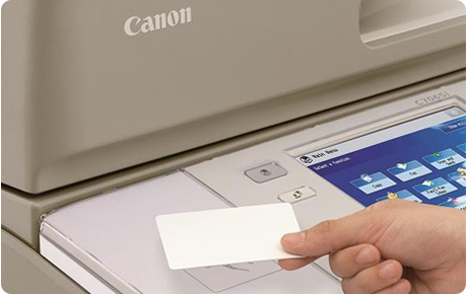
Place your HvA ID card on the card reader next to the user panel and wait until you hear a beep sound.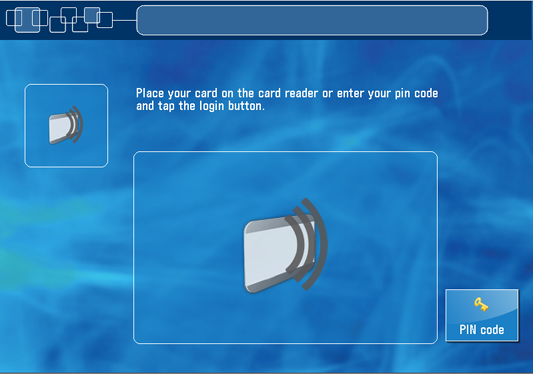
Or, tap on the [pin code] button, enter your pin code and tap on [login].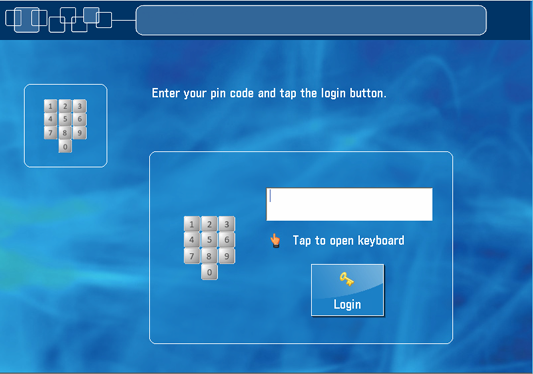
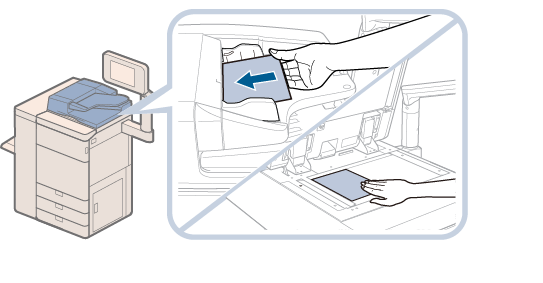
Place your originals face up in the automatic document feeder or face down on the glass plate.
On the user panel tap on [Scan].
- Tap on [Scan to Mymail].
- Set the scan settings and tap on the [Start] button at the top of the touchscreen.
- Tap on [Next] to send the scan file and return to the start screen.
- Place your HvA ID card on the card reader next to the user panel and wait until you hear a beep or tap on [Log out].
For students and employees: scan a document to your HvA email address
