- Login.
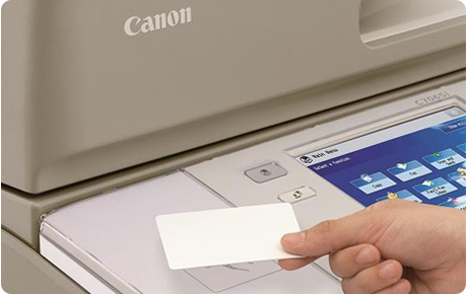
Place your HvA ID card on the card reader next to the user panel and wait until you hear a beep sound.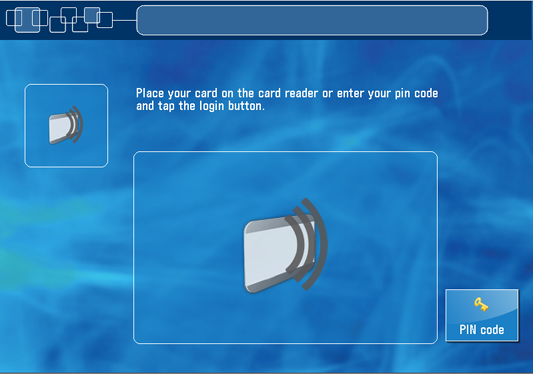
Or, tap on the [pin code] button, enter your pin code and tap on [login].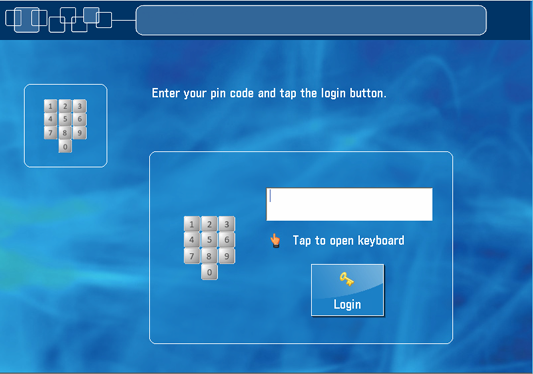
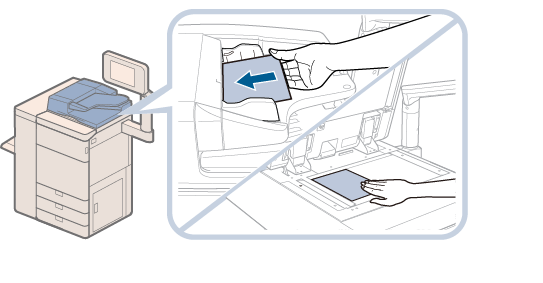
- Place your originals face up in the automatic document feeder or face down on the glass plate.
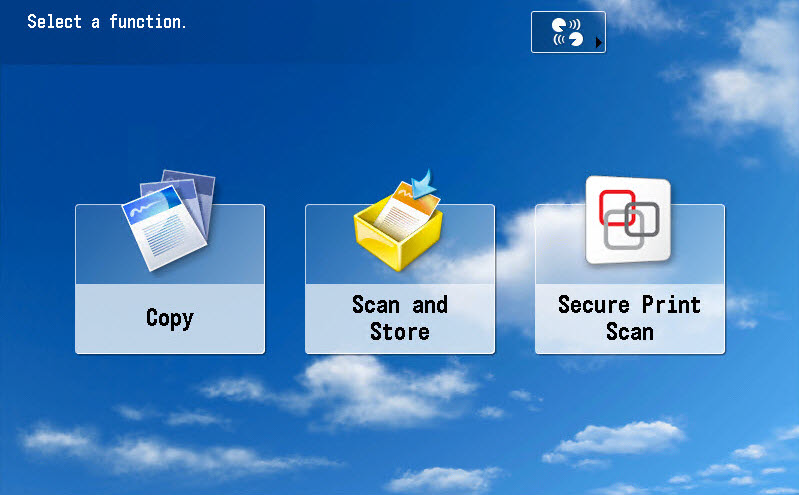
- Press the [Home] button next to the user panel display and tap on [Scan and Store].

-
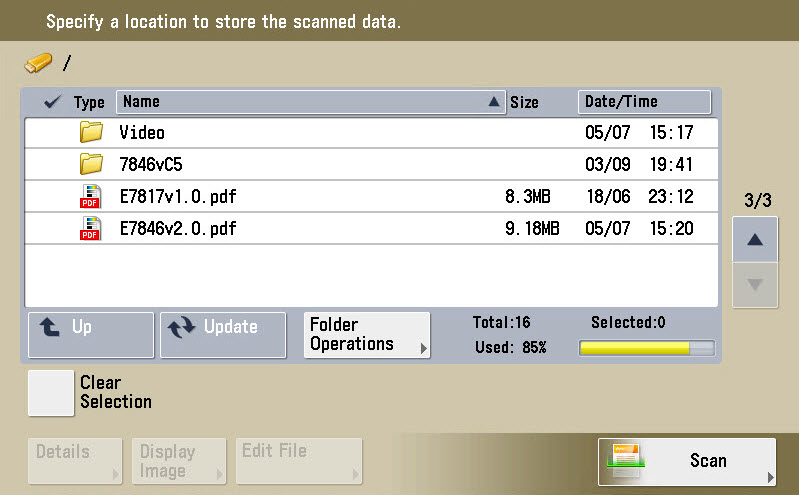
Insert your USB stick on the right side of the user panel.
-
Select a folder on your USB stick and tap on [Scan].
-
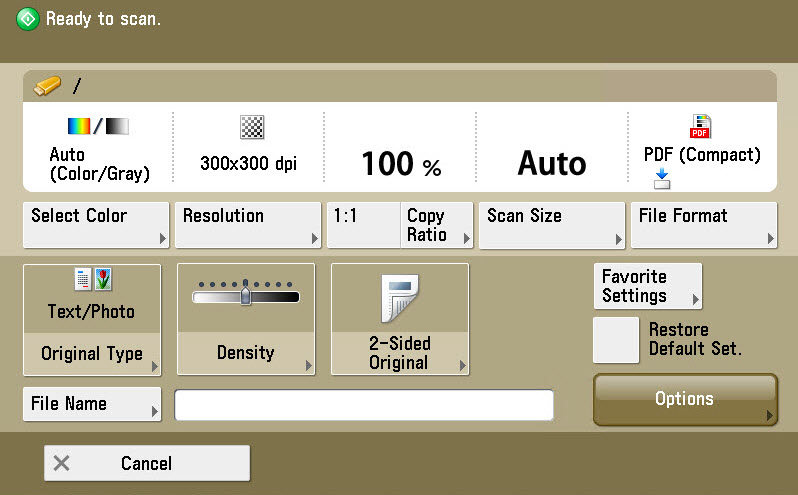
Define the settings related to your scan originals.
-
Press the green button. Your scanned document is stored on your USB stick.
-
Place your HvA ID card on the card reader next to the user panel and wait until you hear a beep or tap on [Log out].
Scan a document to your USB stick
