
Uploading files in the Canon Portal can be done from desktop and laptop as well as from your smartphone or tablet.
- Go to: hva.canon.nl and login.
- Select the 'Print' tab.
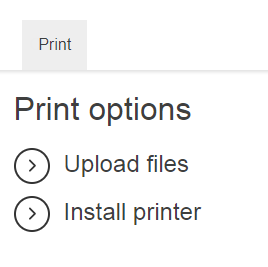
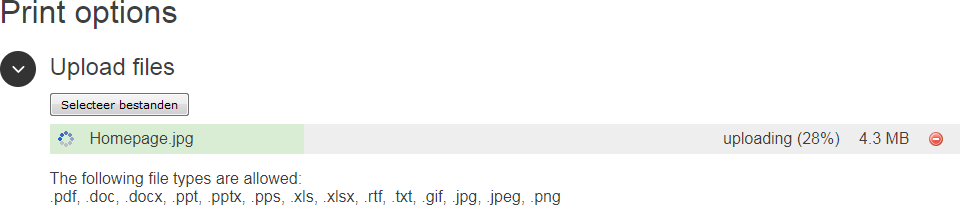
- In the [Upload files] section, click on [Select files] and browse to the files you want to print.
- Click on [Settings] if you want to adjust the default print setting.
Note: if necessary, you can also adjust the print settings on the printer, via [Options] on the user panel.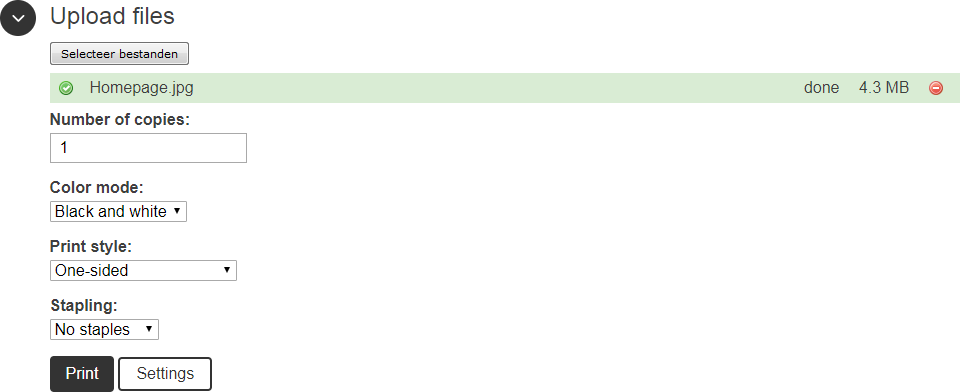
- Click on [Print].
-
You can now pick up your prints at any Canon printer.