
-
Place your HvA ID card on the card reader next to the user panel and wait until you hear a beep sound.
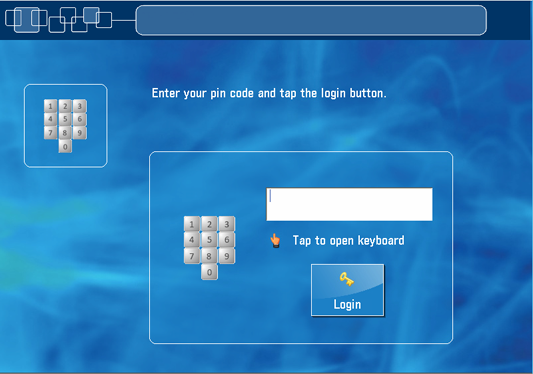
Or, tap on the [pin code] button, enter your pin code and tap on [login].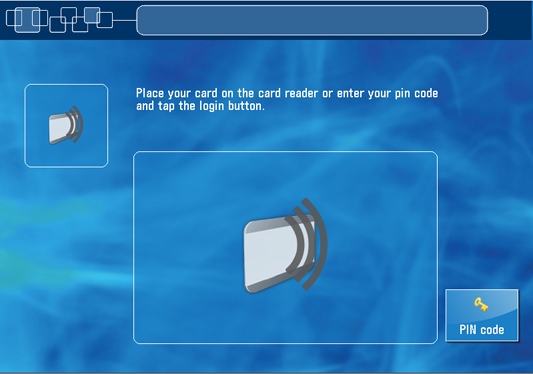
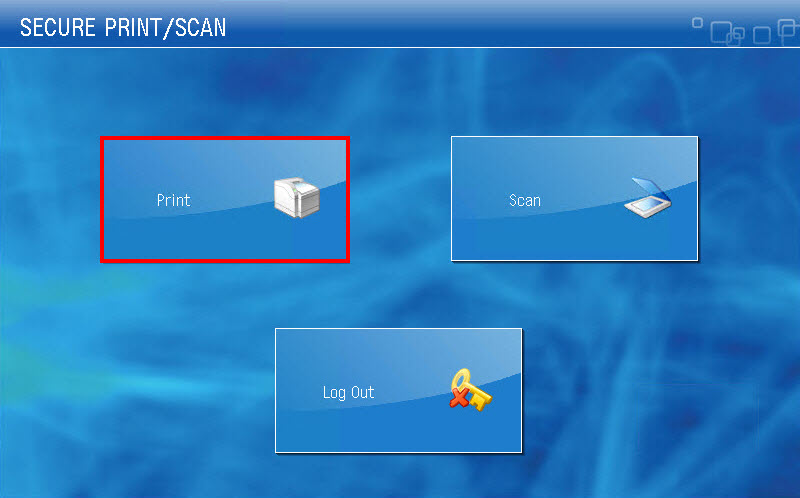
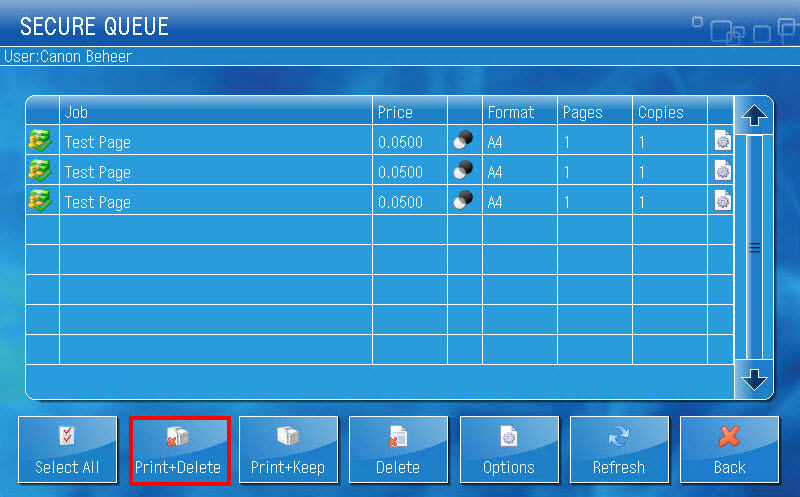
- On the user panel tap on [Print].
- Tap on the file you want to print or tap on [Select All].
NOTE: If necessary, you can change the print settings per file via the [Options] button.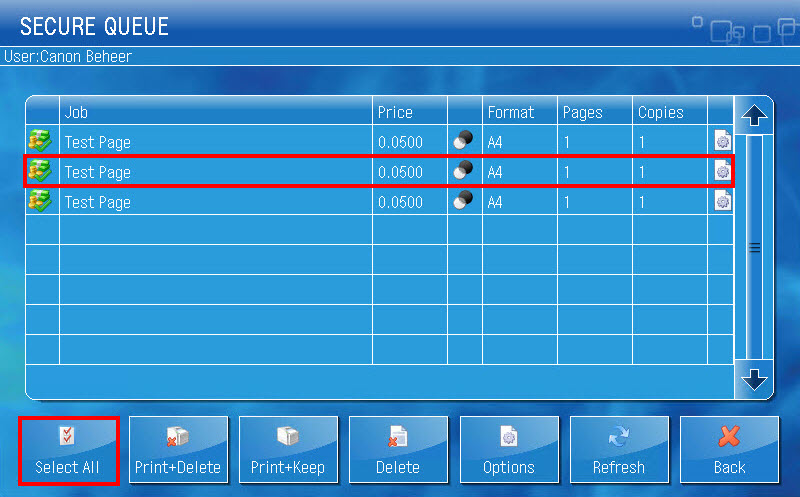
- Tap on [Print+Delete].
- Place your HvA ID card on the card reader next to the user panel and wait until you hear a beep or tap on [Log out].